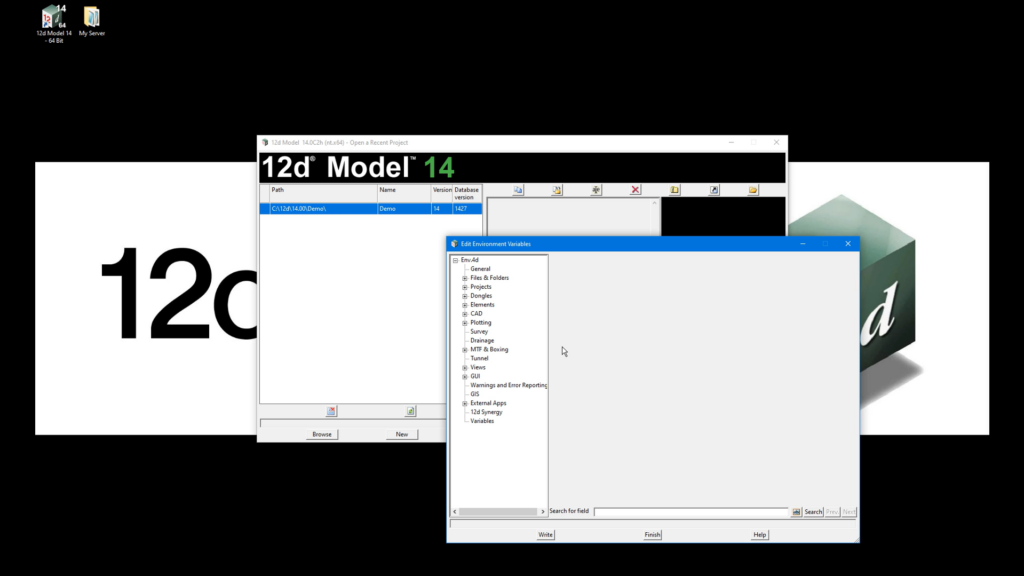
In this short tutorial, we show you how to create and manage Env_configs.4d in 12d Model to simplify license management across different workflows. By creating multiple environments within a single configuration file, you can quickly switch between licenses for surveying, road design, drainage, GIS, and other disciplines without changing your software setup.
Each environment overrides only the required settings, primarily the nodes.4d and dongles.4d files. While the nodes.4d file typically remains the same across all environments, the dongles.4d file changes depending on the license required. Once configured, the file can be stored on a shared server, allowing users to select the appropriate environment when opening a project.
When 12d Model starts, it automatically references the license associated with the selected environment, whether it is hosted locally or on a network. Users can verify the active environment and license through the startup output window or the Help > About 12d Model dialog.
Watch the full tutorial to learn how to create Environment Configuration files, switch between license environments, and streamline license access in 12d Model.