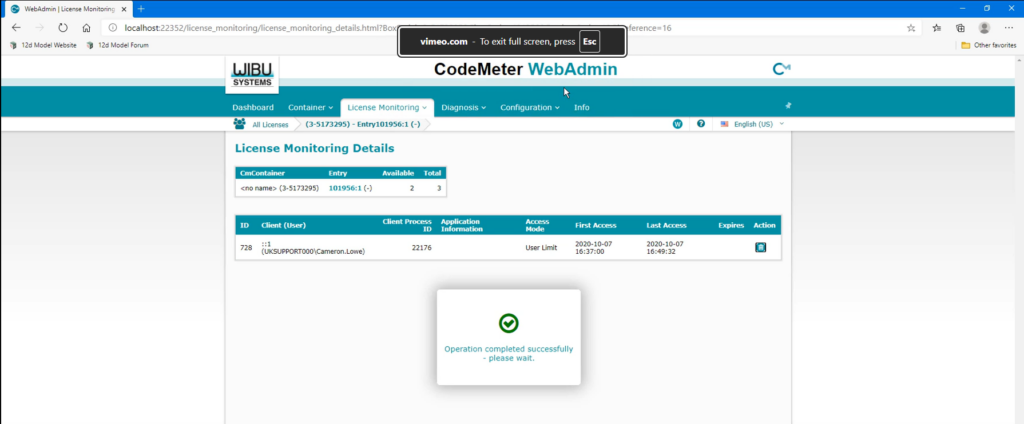
In this short tutorial, we show you how to view and manage network licences using the CodeMeter WebAdmin service.
When multiple users access 12d Model through a shared network CodeMeter, it is useful to view which licences are currently being used and see the available licences across each licence container. CodeMeter WebAdmin provides an easy way to access this information, review active sessions, and manage user access when required.
This video also explores the Licence Monitoring tools to view licence summaries, check session details, and end a user’s access to a licence from the server. It also explains what happens in 12d Model when a user’s licence session is ended.
Watch the full tutorial to learn how to view licence usage and manage active network licence sessions in CodeMeter WebAdmin.