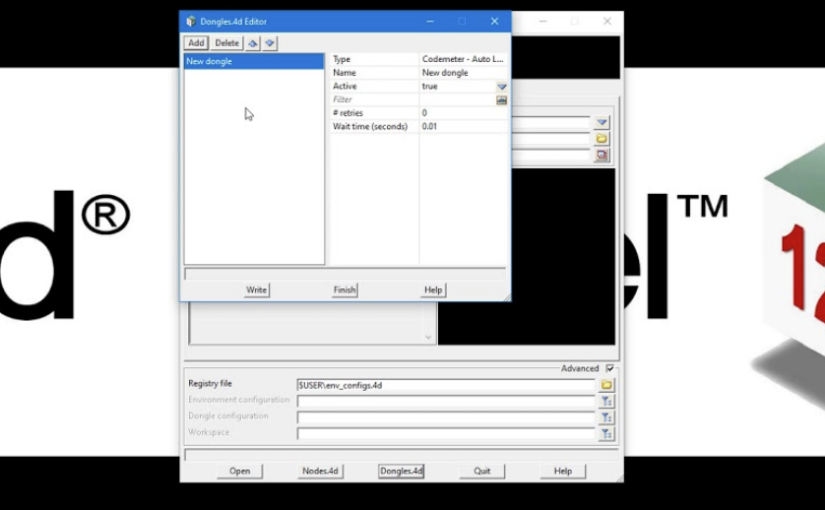
In this short but important tutorial, we explain how 12d Model accesses licenses using CodeMeter dongles and how a simple configuration file can help the software locate a valid license.
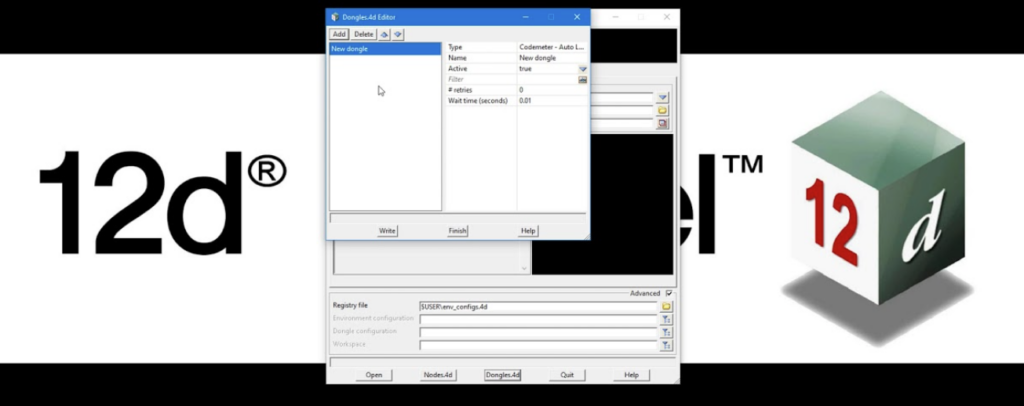
Whether you’re using a standalone dongle connected directly to your workstation or a network dongle shared across multiple users, understanding how 12d Model searches for licenses can help prevent setup issues and save troubleshooting time.
You’ll also learn about the dongles.4D file, which controls where 12d Model looks for a license and in what order. While standalone users typically won’t need to modify this file, it plays an important role in networked environments.
Watch the full video for a clear walkthrough of dongle-based licensing and learn how to ensure your 12d Model installation is configured correctly from the start.