The Tipster: Setting Up Environment Configurations

Looking to better manage your company setup or work with multiple customisations in 12d Model? This webinar provides a helpful introduction to Environment Configurations and how they can support a more organised and efficient workflow.

In this session, you’ll learn more about:
• Environment variables and how to enable or disable them
• Setup files and search paths
• How 12d Model searches for setup files
• Managing customisations and configuration settings
• Helpful resources for setting up your 12d Model environment

We hope you find this session useful! Take a look at the video preview below, and explore the full webinar for a more detailed discussion on working with Environment Configurations in 12d Model.

The Tipster: Referencing Specific Containers

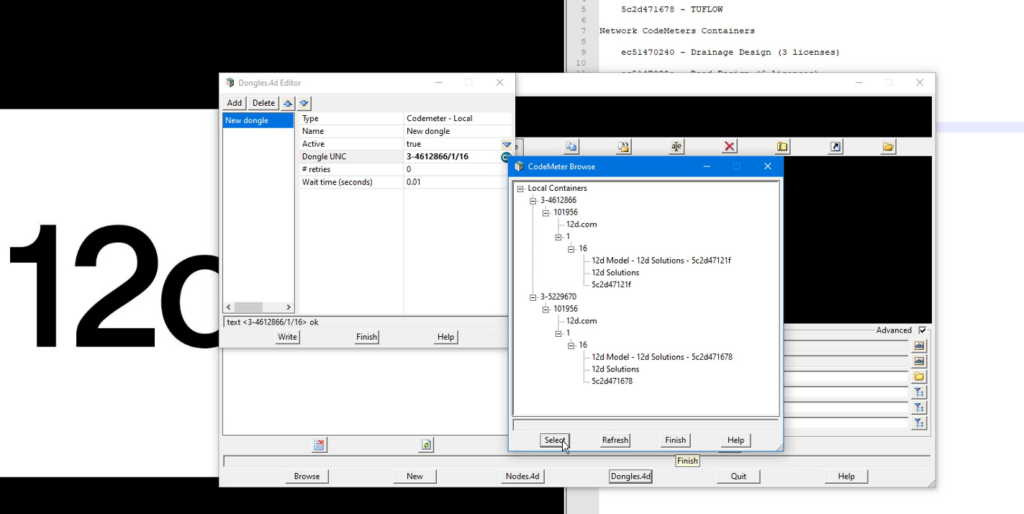
In this short tutorial, we explore how to reference specific license containers in 12d Model when multiple CodeMeter dongles or license configurations are available.

Different 12d Model tasks often require different modules, from surveying and drainage analysis to more advanced modelling workflows. As organisations grow and licensing requirements become more complex, it is common to have multiple standalone or network licenses configured for different purposes.

This video explains how 12d Model identifies and accesses specific license containers, helping ensure you are using the correct modules for the work you need to perform.

Watch the full tutorial to learn how to manage multiple license configurations and streamline access to the tools your projects require.

The Tipster: CodeMeter WebAdmin

If your organisation uses a network CodeMeter dongle, proper server configuration is essential to ensure all 12d Model users can access their licences.

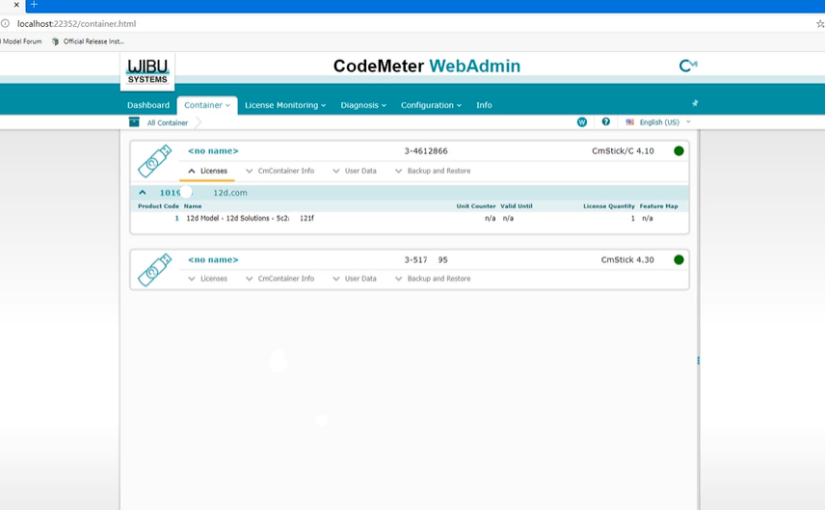
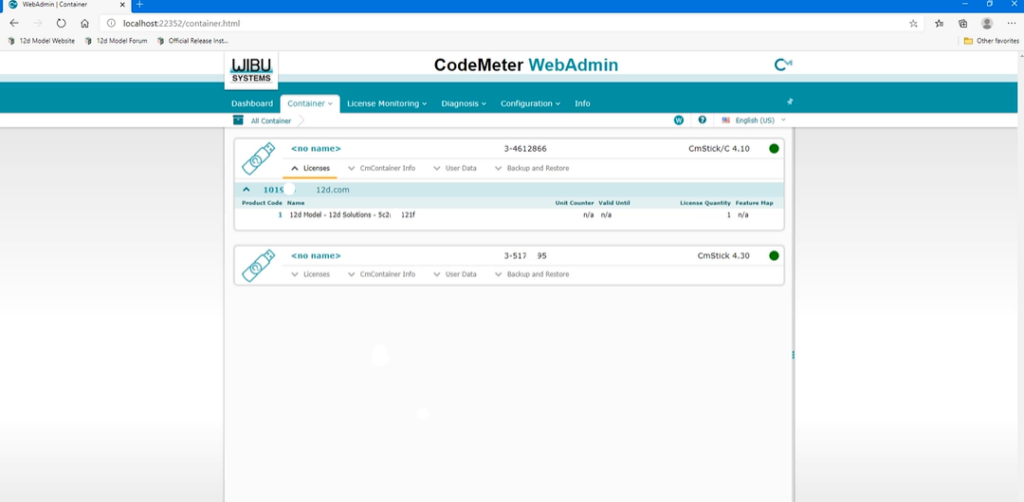
In this tutorial, we introduce CodeMeter WebAdmin, the management interface used to configure and monitor network licensing. You’ll learn how the CodeMeter server and client setup works, where to find your dongle’s unique CodeMeter number, and how to enable network server access so licences can be shared across your organisation.

Whether you’re setting up a new server or troubleshooting an existing one, this video provides a practical introduction to one of the key components of 12d Model network licensing.

Watch the full tutorial to learn how to configure CodeMeter WebAdmin and get your network licensing environment running smoothly.

The Tipster: Setting Up Dongles.4d File

In this short but important tutorial, we explain how 12d Model accesses licenses using CodeMeter dongles and how a simple configuration file can help the software locate a valid license.

Whether you’re using a standalone dongle connected directly to your workstation or a network dongle shared across multiple users, understanding how 12d Model searches for licenses can help prevent setup issues and save troubleshooting time.

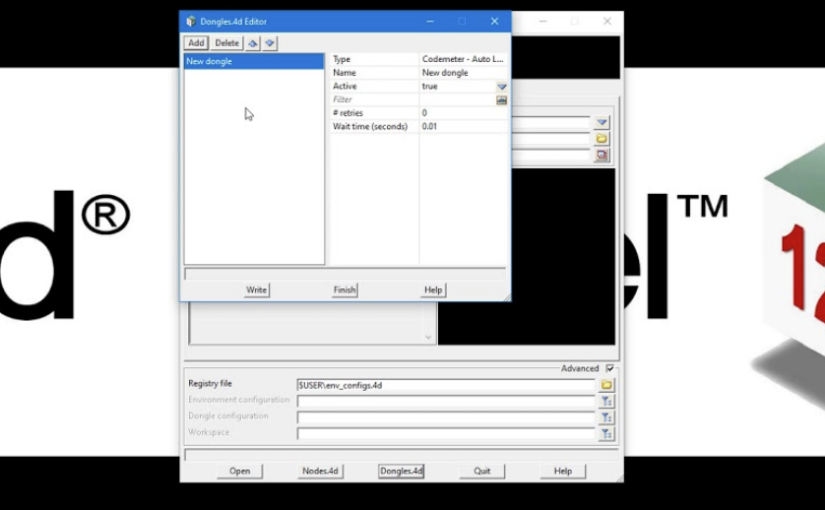
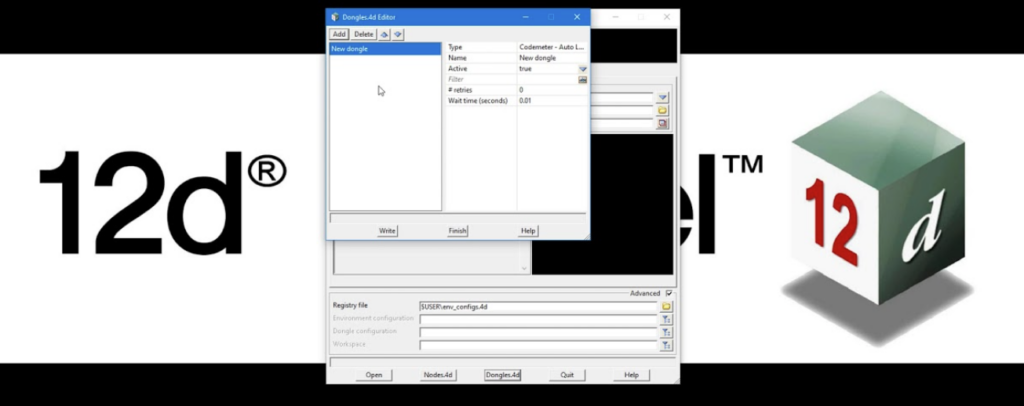
You’ll also learn about the dongles.4D file, which controls where 12d Model looks for a license and in what order. While standalone users typically won’t need to modify this file, it plays an important role in networked environments.

Watch the full video for a clear walkthrough of dongle-based licensing and learn how to ensure your 12d Model installation is configured correctly from the start.

The Tipster: Installing Dongle Drivers 

Before installing 12d Model, it’s helpful to understand how its licensing system works. This video gives you a clear and simple explanation of the different dongle types you may receive after purchasing your license.

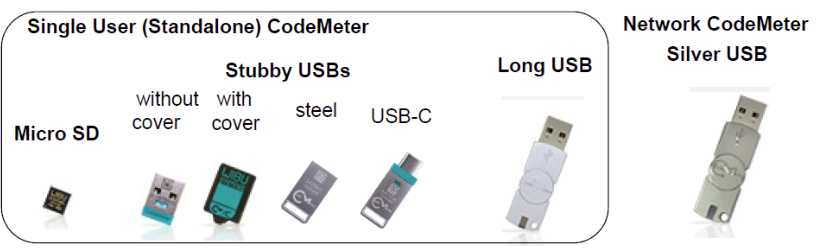
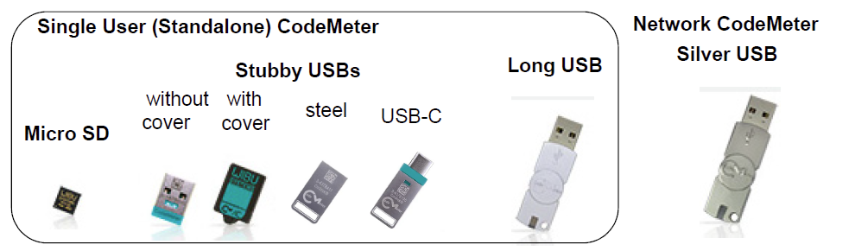
Upon purchasing a 12d Model licence or licences, you’ll usually receive: a standalone Codemeter or a network Codemeter dongle (or both).

Standalone dongles come in several forms such as an SSD card, a stubby USB, or a long USB drive. While they may look different, they all serve the same purpose. These are designed for individual users and allow access to multiple projects, with the option to be shared when needed.

For team environments, a network dongle is used instead. This is typically a heavier metallic USB device, where each licence allows one user to access a project at a time, making it suitable for shared organisational use.

By the end of this video, you’ll have a clear understanding of how each dongle type works and which one applies to your setup.

Watch the full video to get a simple, visual guide to 12d Model dongle types and licensing.